Record phone calls on iPhone and Android — A step-by-step guide you need
Whether it’s to protect yourself during sensitive conversations, document important agreements or gather evidence in difficult situations, recorded calls can provide clarity and accountability.
NURSYAHMINA ZAINAL

IN today’s digital age, knowing how to record phone calls has become an essential skill for many.
Whether it’s to protect yourself during sensitive conversations, document important agreements or gather evidence in difficult situations, recorded calls can provide clarity and accountability.
This was evident in the case of 13-year-old Zara Qairina Mahathir, a Form One student from Sabah, whose tragic story gripped the nation.
Zara was pronounced dead at Queen Elizabeth I Hospital in Kota Kinabalu on July 17, a day after she allegedly fell from the third floor of her school and was found unconscious in a drain near the school dormitory the day before.
Following her death, allegations of bullying culture in the school surfaced.
More notably, audio clips of phone calls between Zara and her mother emerged, in which Zara claimed she and a friend were victims of bullying by senior students.
These recordings sparked widespread debate about how they were obtained and why they were so significant.
In situations like these, knowing how to record phone calls safely and legally can be a powerful tool – a way to protect yourself, seek the truth, hold wrongdoers accountable or simply preserve the voices of loved ones no longer with us.
Here is a practical guide to recording phone calls on your iPhone and Android devices, with care, respect and legal compliance in mind.
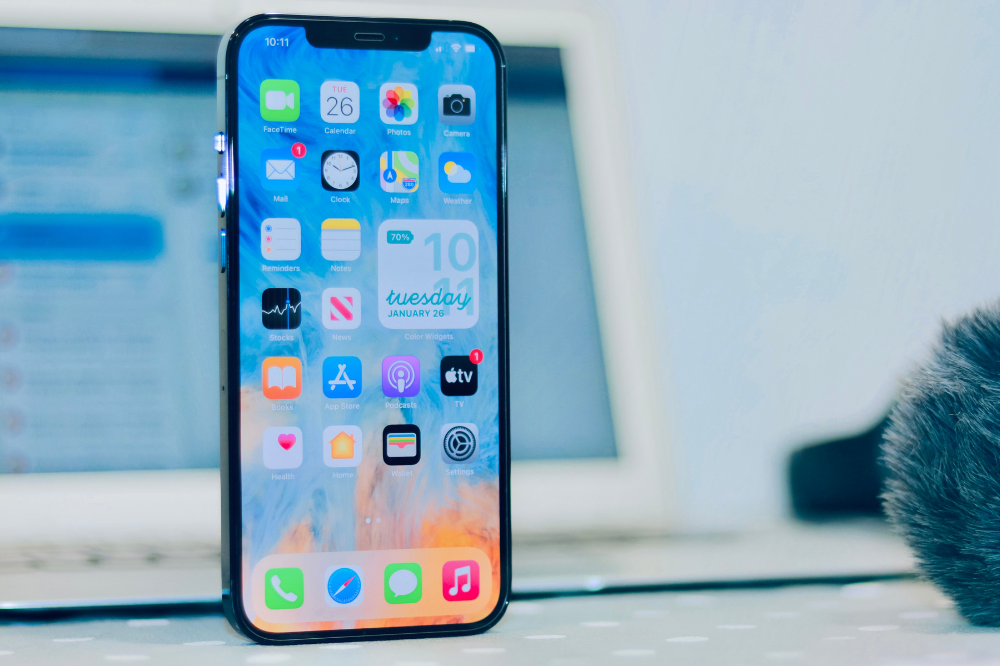
How to Record a Phone Call on iPhone
According to the Apple website, there are five easy steps to record a phone call on your iPhone.
- Before recording a phone call on your iPhone, you must first ensure that the other person on the call agrees to be recorded, as doing so without consent may be against the law in some regions.
- Open the Phone app on your iPhone.
- Make a call.
- Once connected, tap the Start Call Recording button located on the top left of your screen. Both you and the other participant will hear an audio notice confirming that the recording has started.
- When you wish to stop recording, simply tap the Stop button or end the call, after which the audio file will be automatically saved in the Call Recordings folder within the Notes app.
- If you want to review the recording, you can do so by opening the Notes app and selecting View Saved Call.
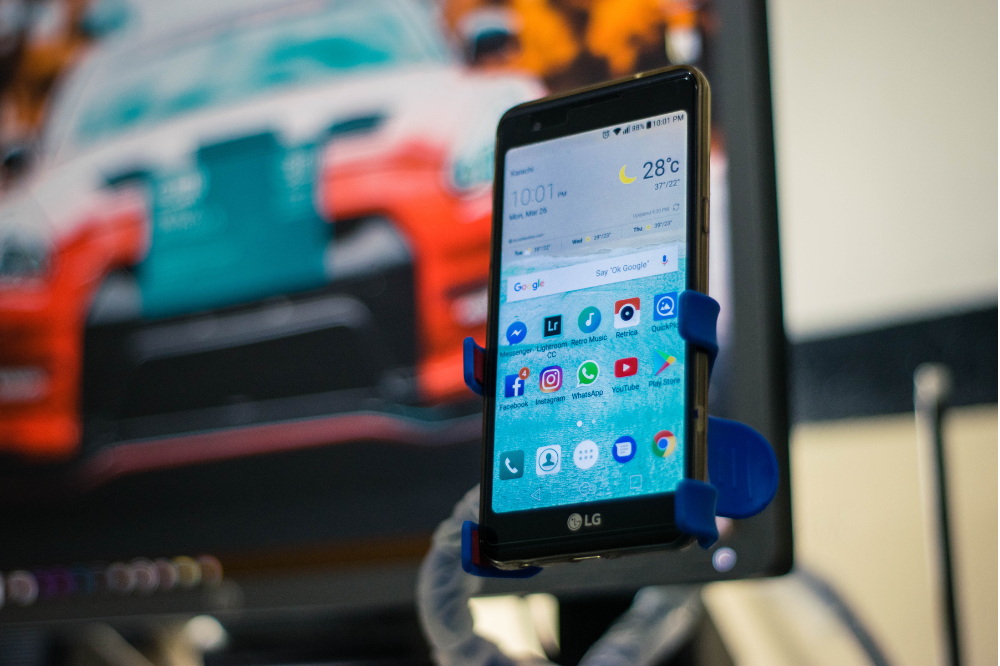
How to Record a Phone Call on Android
For Android devices, the Google Help website outlines simple steps to capture a call from unknown numbers and select contacts.
When recording a call for the first time, you’ll be reminded to comply with local call-recording laws. Many places require the consent of all parties involved. To protect privacy, both callers will hear a notice when the recording starts and stops.
- Open the Phone app.
- Tap More Options in the top-right corner, go to Settings, then select Call recording.
- Under “Always record,” choose either Numbers not in your contacts to record unknown callers, or selected numbers to record specific contacts
- Make or receive a call.
- On the call screen, tap Record to start.
- Tap Stop recording to end.
- To find a recorded call, tap Recents:
- If it’s the most recent call, you can play it directly from the “Recents” screen.
- For older recordings, tap History and choose the recording from the list. Select the caller you recorded and tap Play to listen.
Recording phone calls can be a valuable way to protect yourself, gather evidence, or keep important conversations for reference.
However, it is crucial to follow local laws, obtain consent where required, and use this feature responsibly to respect privacy and avoid legal issues.
Download Sinar Daily application.Click Here!


